The Only Camera They Ever Made That Shoots Like Film
What happens when you put a digital camera's sensor inside the body of an old half frame film camera?
Well, you get this. The Pen-F, released in 2016.
Despite being the only version ever made, it still holds up with modern mirrorless cameras. Especially for creating film-like images right in the camera.

While checking out cameras in Osaka, the Olympus Pen-F really caught my eye, even though it wasn't the cheapest option. I'd recently used its potential successor, which made me want to grab the Pen-F and take it for a spin in Osaka and Kyoto.
Just look at it: it's "dial city" out here! Every possible control is a dial, which is fantastic. This includes the dedicated exposure compensation dial and the unique creative dial on the front. Until this year, the Pen-F was the only camera that featured this dial. More on that later!
Inside the Camera
Spec-wise, the Pen-F is similar to cameras of its era, like the Lumix GX9. They both have 20 megapixel sensors. The GX9 is better for video, but the Pen-F has decent autofocus—81 points—which is enough for most situations. Plus, the great touchscreen makes selecting them intuitive. It also sports a fully articulating LCD and a solid IBIS system with five stops of stabilization.
I gave the Pen-F a proper look after trying the OM3, its successor in spirit. They share similarities: the same 20MP Micro Four Thirds sensor, and both can use pixel shift for high resolution modes (50MP for the Pen-F). Crucially, they both feature that unique creative dial, a feature resurrected for the OM3.


The Olympus Pen-F Color Wheel
The creative dial offers several modes: Monochrome profile control, color profile control, art, and CRT (color creator).
Monochrome lets you simulate using color filters over your lens for black and white film, with curve and vignette tweaks.
Color profile control allows you to individually adjust the vividness of each color, like using HSL sliders in Lightroom.
Art gives you fun, but sometimes gimmicky, filters like pinhole or watercolor.
CRT changes the overall hue and vividness, but the looks can be a bit too intense unless you're aiming for a very specific style.


My favorite is the color profile control. I found a great look by lowering the vividness of reds, purples, and blues, while boosting yellows and oranges. I then added a subtle S-curve, boosted the mid-tones, dropped sharpness to minus two, and bumped contrast to plus one. I save these settings to color profile one so they're always ready!
Street Photography and Final Thoughts
For my street photos, I used that custom profile with the Olympus 17mm f/2.8 lens. While not the fastest lens, it's perfectly usable and gives the camera a comfortable, balanced feel.
I love using the Pen-F for street photography because of the wider 17mm focal length. It helps me include multiple subjects to tell a broader story, capturing contrasting actions or complementary colours. The Pen-F is easy to lift and manoeuvre, making it a great "spray and pray" camera—which, let's be honest, is most of street photography!
As for buying one now? It's a bit overpriced for the specs because it was a one-off model. You get great features like IBIS, good resolution, the creative dial, and a fun shooting experience. However, you might find cheaper alternatives with larger sensors, like a Fuji X-T2, though they may lack features like IBIS or a touchscreen. Ultimately, it’s about choosing what features matter most to you.
Help support this ad-free blog by checking out my store.
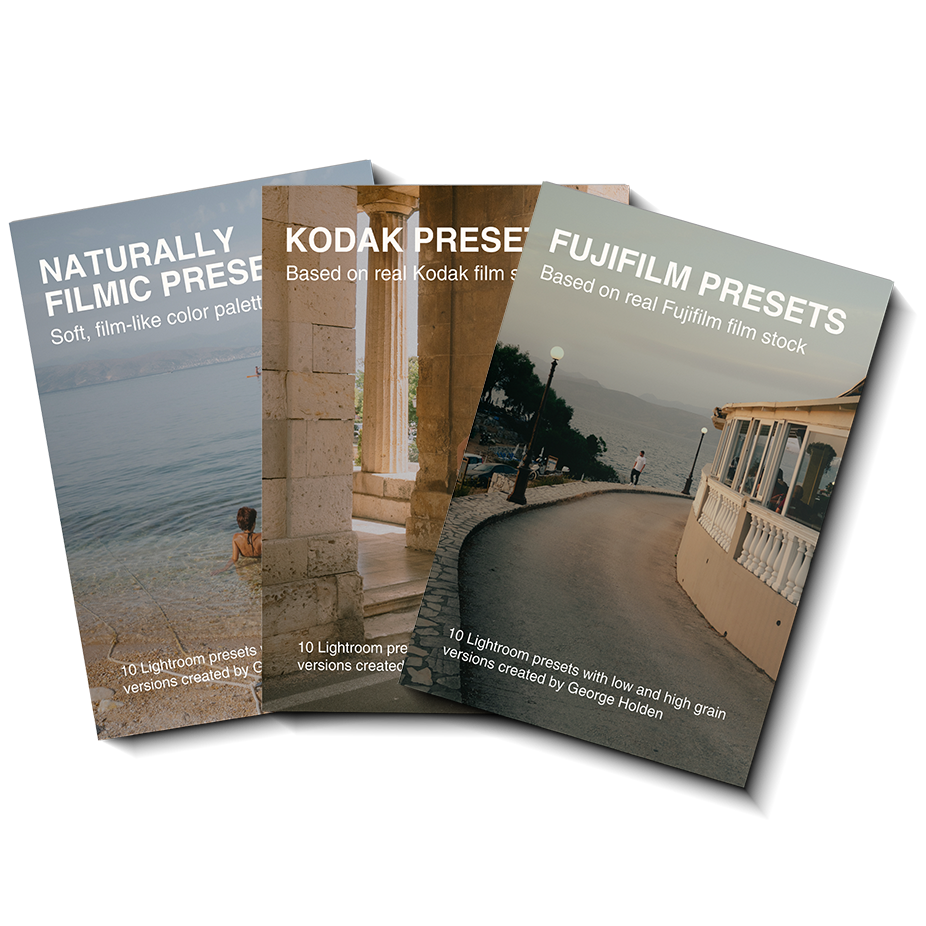
What style can I expect from these presets?
These presets are based on specific Kodak Film Stocks, Fujifilm Film Stocks and various film stocks I have shot in various lighting conditions which you can see in the preview images for each pack.
How many presets are in this pack?
30 - with low and high grain versions for each preset.
Each preset has both .xmp and .dng file types.
Which software supports these presets?
You can choose from these Adobe softwares:
Lightroom Classic
Lightroom CC Desktop
Lightroom CC Mobile
Photoshop (adobe camera raw)