Panasonic Lumix L10 First Impressions
Everyone wants an everyday camera that can do everything. Well, this year, one camera company decided to bring this idea to life. But did they get everything right?
Remember the old Lumix LX100, LX100 Mark II, or the Leica D-LUX cameras? Yeah, let's do that again.
















This is the new Lumix L10. And I'm taking this out for my first day of photography and video here in Venice. This is going to be kind of my first initial impressions review, because I've actually got this camera on loan from Lumix for the next few months. So I expect my opinions to kind of change and settle into a place after a few months of experience with this camera.
But at the moment, so far, I'm impressed. But it's complicated.

I love an everyday camera, especially when it's this small and has a lot of flexibility. And this one has pretty much everything. A decent sized 4:3 sensor, a fixed zoom lens, a flip LCD, and a good EVF. Along with a leaf shutter and a few other little specs and bells and whistles that make it quite an interesting compact camera.
Focal Length Presets & Zoom Rocker
One feature I really like having on this camera is the option to preserve your focal length from the last position you were using the camera in before you power off the camera.
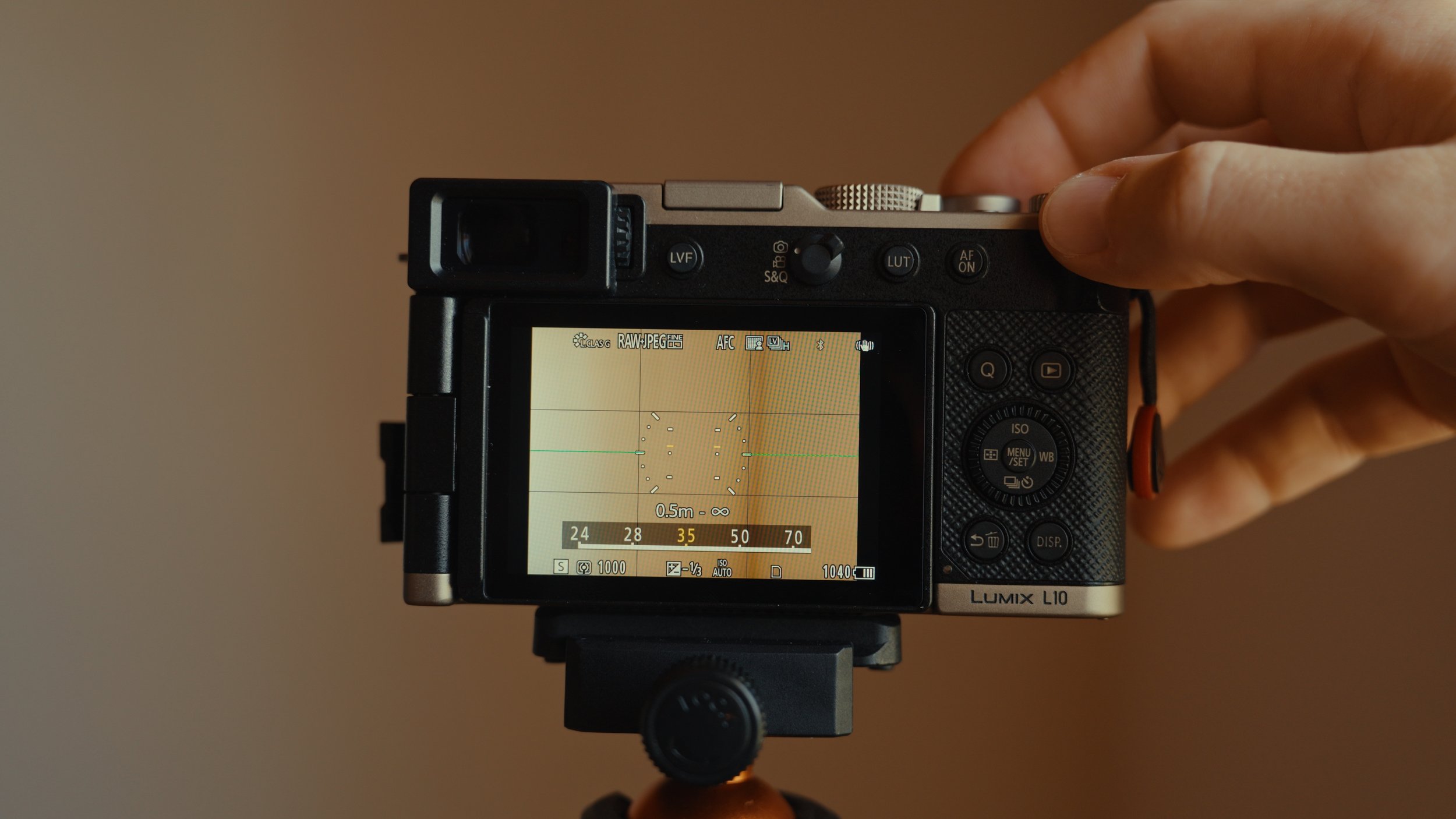
I have my zoom rocker also set to be able to toggle between kind of the classic focal lengths, like 24, 28, 35, 50. Instead of having to actually manually find my exact focal length with the zoom rocker, you kind of flick the zoom rocker and it moves on to the next focal length. I prefer to use it this way because that's actually how I used the old LX100 when I had that a few years ago, and I really liked that kind of interface. Then every time you turn off the camera, it preserves your most recent focal length for when you turn it back on.
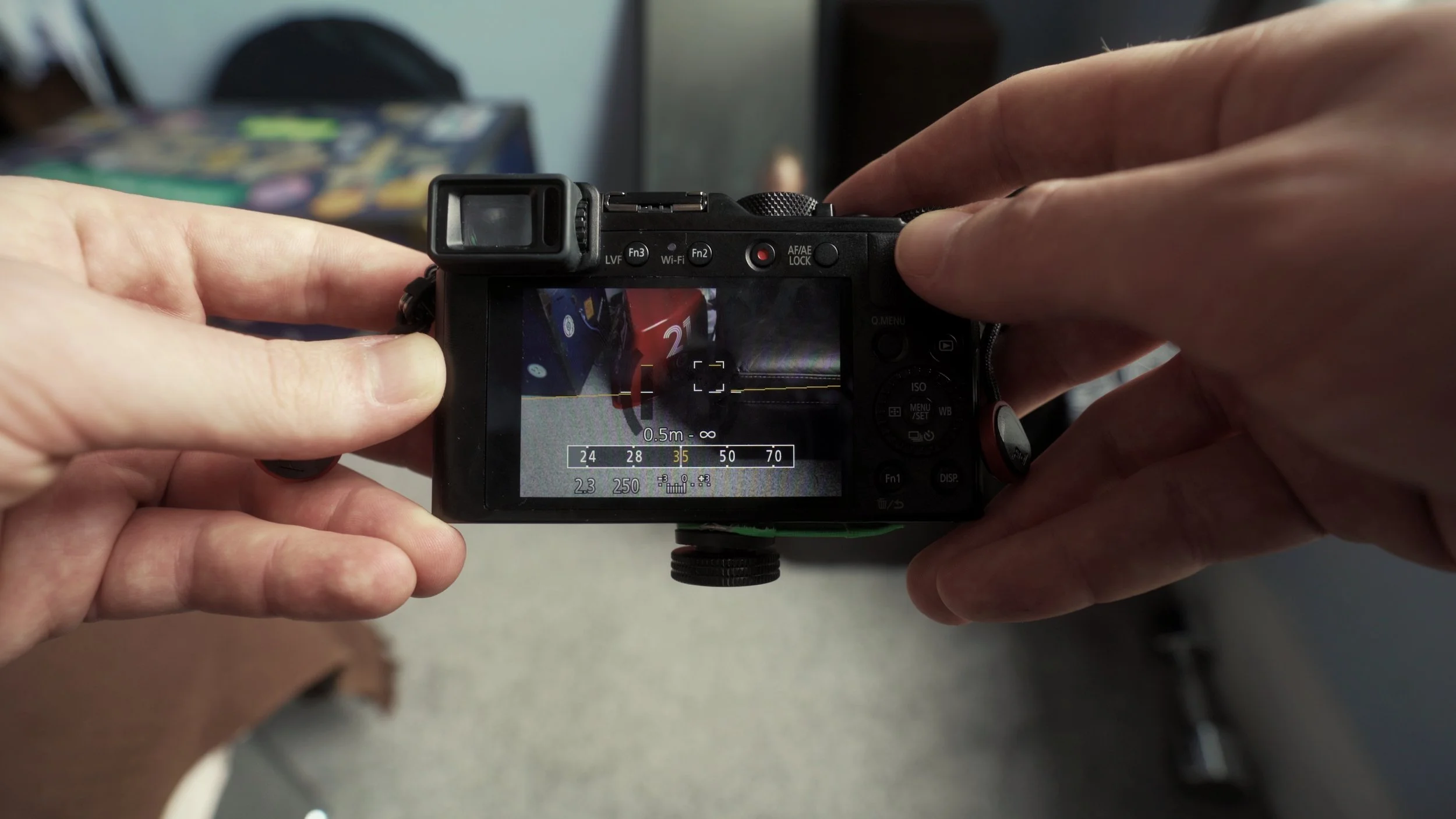
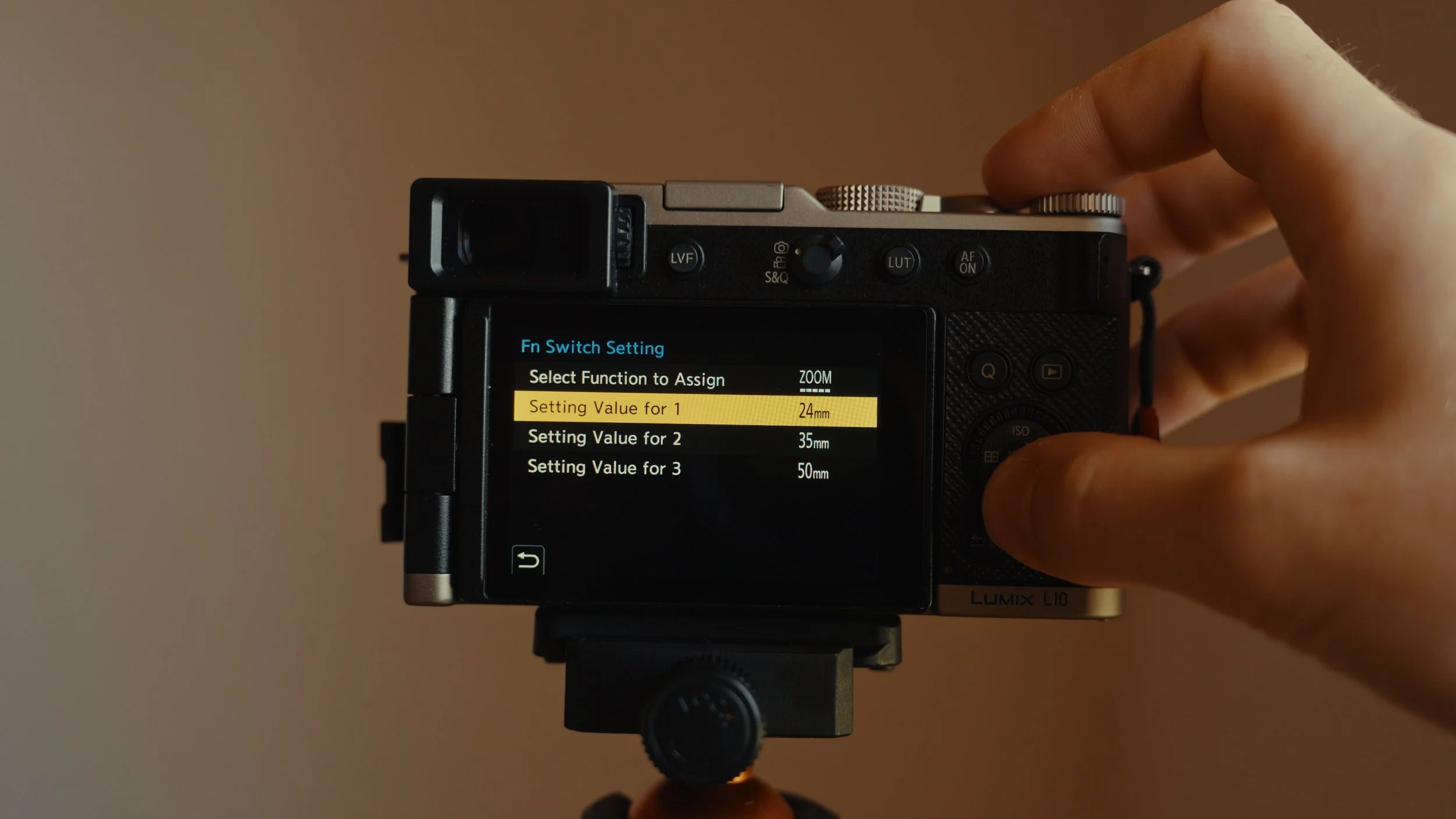
This camera does also have the option to set preset focal lengths to this kind of like little top switch on top of the fixed lens, which can also be used for cycling between aspect ratios.
Leaf Shutter & Competing with the Fujifilm X100VI
I'm also really happy that we have a leaf shutter in this camera, as you often see on kind of these premium compact cameras like the Fujifilm X100VI, the Sony RX1s, et cetera. This just makes it a nice, very quick and quiet way to shoot street photography without having a big clunky shutter or only having an electronic shutter, which Lumix do like to do on cameras like the S9.
This camera in general feels like a very competitive rival to something like the Fujifilm X100VI, which I am going to be doing a comparison between in the next couple of weeks. So any questions you have in relation to comparing those two cameras, put those down in the comments below and make sure you subscribe so you don't miss that one when it comes out.
Real-Time LUTs vs. In-Camera Profiles
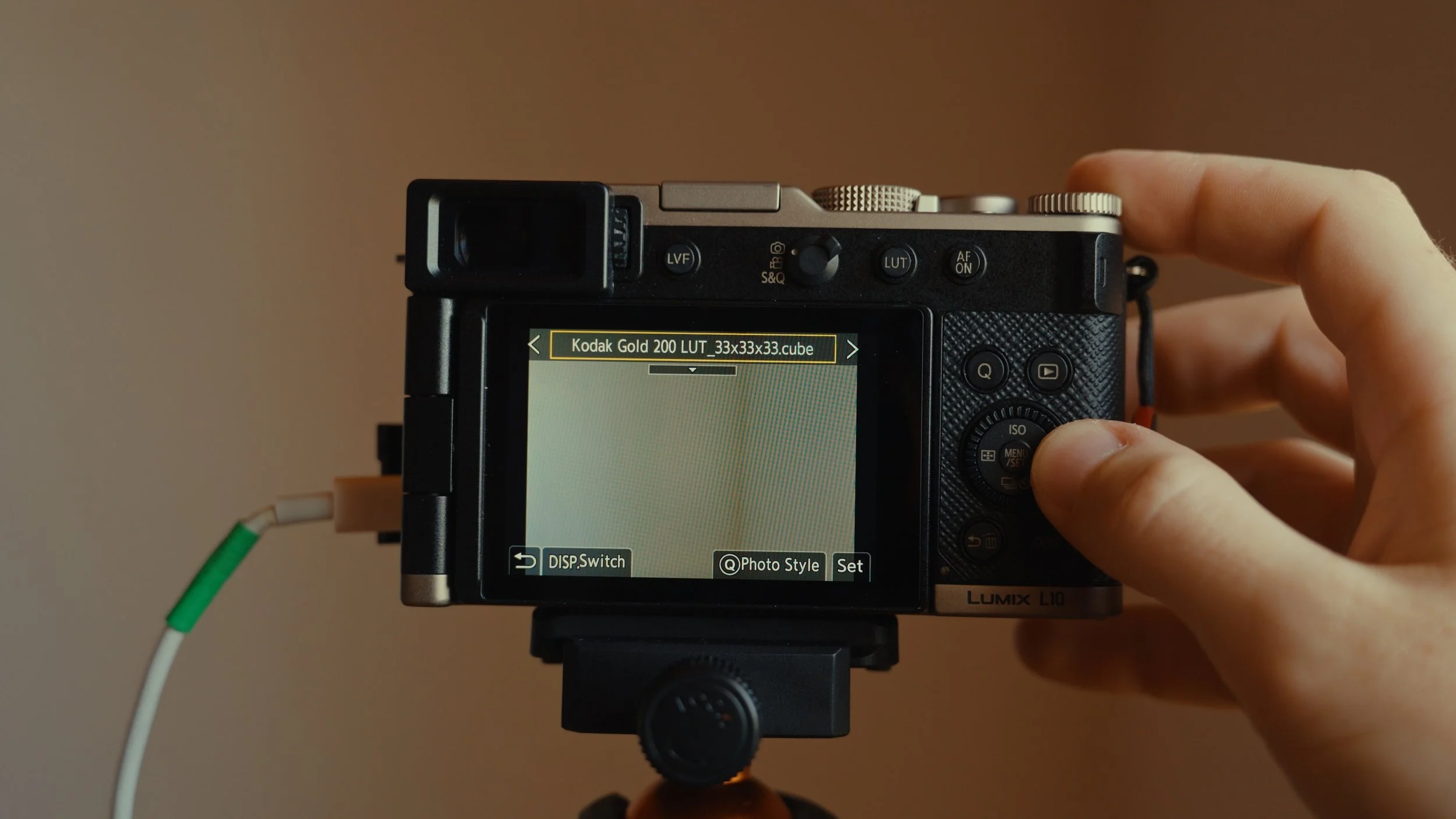
Another feature that's kind of comparable to Fujifilm's film simulations is the new real-time LUT feature from Lumix that's been around for the last like couple of years or so. This is present in the Lumix L10, which means you can import different LUTs like cube files to be able to kind of preserve a in-camera preview of a certain style that you like to shoot and edit in, and then even just export real-time LUT JPEGs via the Lumix Lab app to be able to share on socials a little bit quicker.
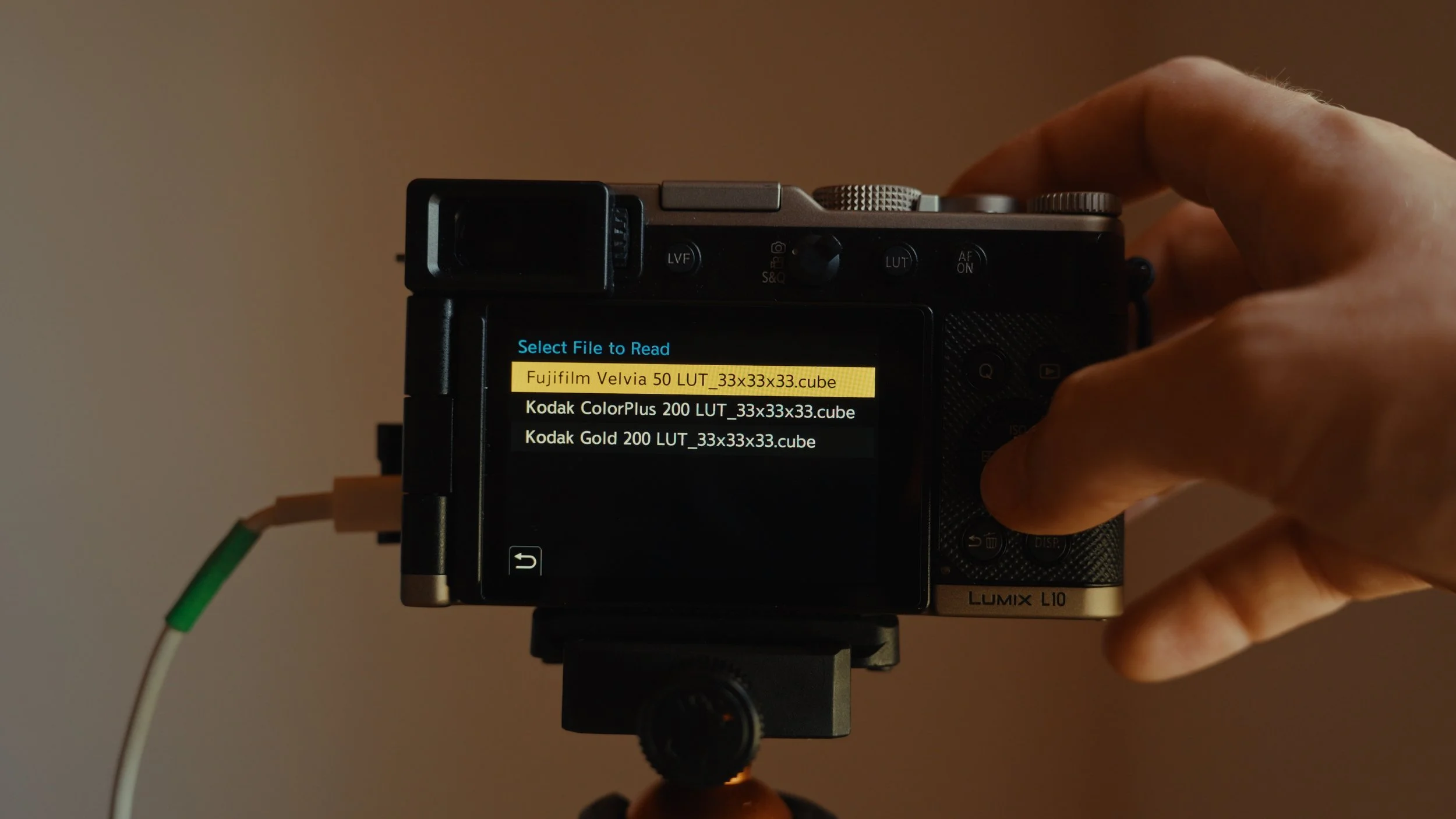
While I'm not a massive fan of just shooting JPEG, I have been using real-time LUT a little bit and also experimenting with the other in-camera profiles like the Lumix Classic Gold, which I actually think looks really, really nice. I've actually been using this instead of real-time LUT for a very specific reason that I'm gonna tell you about a little bit later in this video, because real-time LUT can actually cause some issues with your RAW files.
Video Specs & Stabilisation Workarounds
This isn't just a photography camera. Obviously, Lumix always pack a lot of heavy video features into all of their cameras, which has always been amazing to see. They never skimp on the video specs and they always cram in as much as possible.
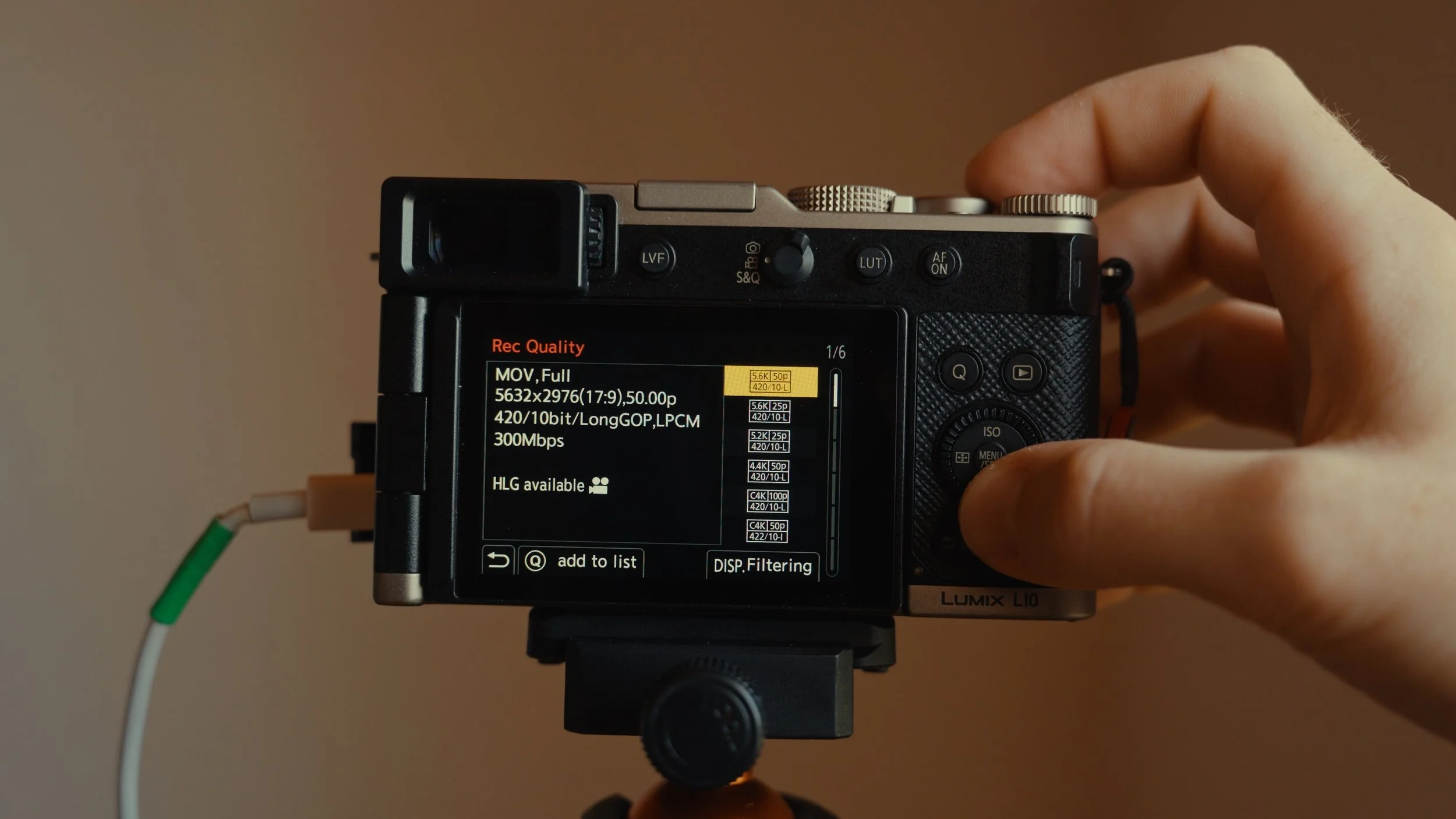
Within this camera, we have great recording modes like we can record in 4K, 422, 10-bit. We also have up to 5.6K OpenGate in 420 10-bit, so you kind of lose a little bit in colour depth, but you gain the whole sensor readout. We also have things like shooting in 100 frames per second in 4K, I think 420 10-bit as well, which is great. But for the most part, I've been shooting in kind of the higher quality, lower frame rate mode of 4K, 422, 10-bit in long GOP.
The Stabilisation Problem
Here I have a few shots where you can see it's not quite as stable as you might expect in 2026 when IBIS is everything with every camera. We'll get into why this is and what we can do to actually fix this, but as you can see, handheld shooting on this camera is not quite up to snuff when considering all the other options you have today.
We have a camera with fantastic video specs, but sadly is held back by the fact that we only have stabilisation in the lens. This isn't kind of the end of the world. You can shoot with this and still get great results if you know what to do and know how to mitigate against these problems.
It's a little bit weird, specifically from Lumix, who have put IBIS in smaller bodies with interchangeable lens mounts in the past. Why wasn't there some sort of innovation to make sure we could have optical stabilisation in the lens and on the sensor? You would have had like an insane camera. I'm not an engineer, maybe that's not possible, maybe you know that and you're going to comment down below. But to me, it kind of feels like a missed trick. Maybe sensor stabilisation would have been more effective than the optical stabilisation, but in a dream world, we would have both. Didn't they always do both? Like the dual five axis IBIS thing? Where's that? That would have been great.

How to Fix Handheld Footage
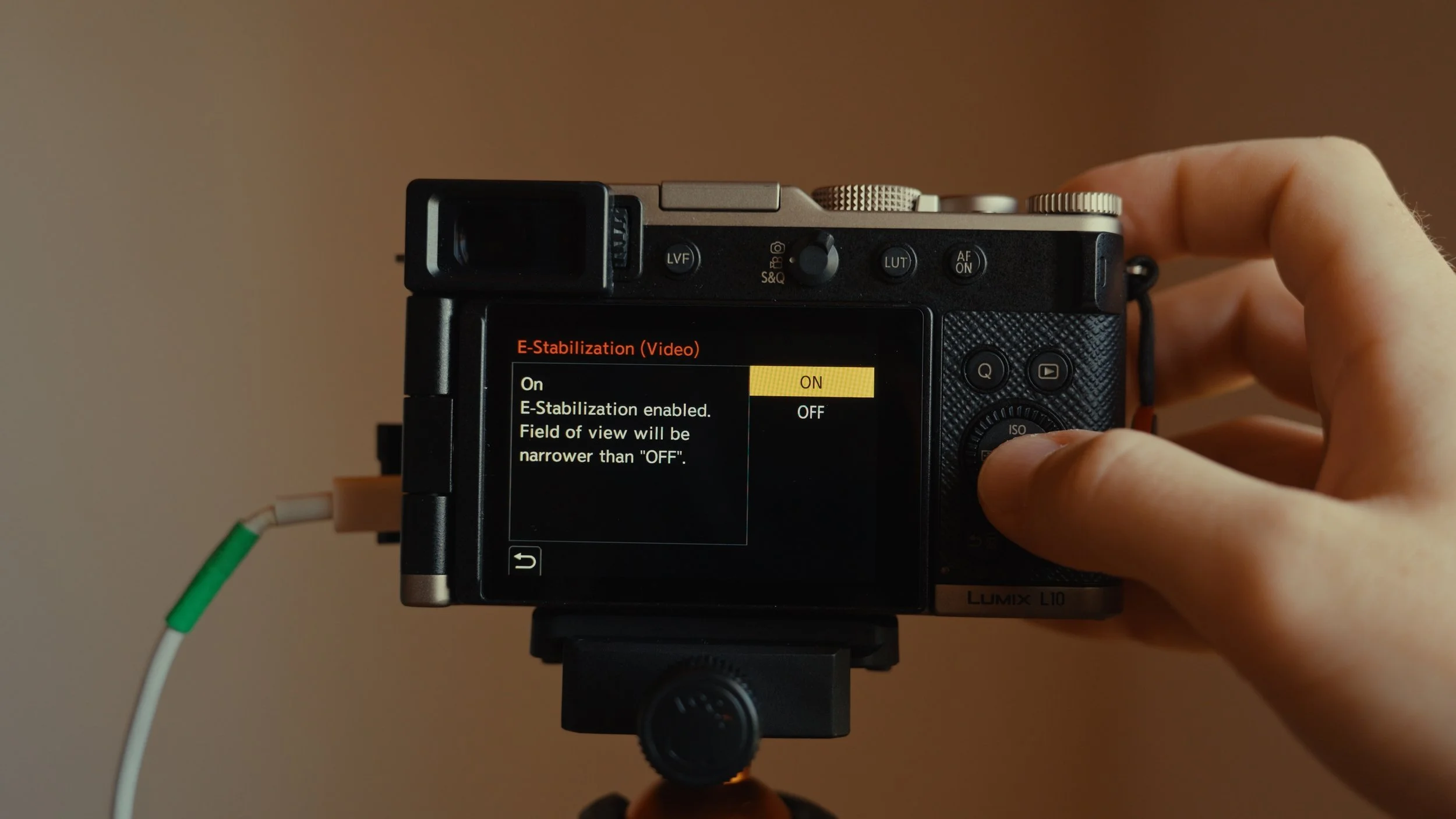
This isn't the end of the world by any means. We do actually have e-stabilisation inside the camera as well, if you want to add a little bit of a digital crop to help stabilise the footage in camera. Or you can just shoot with the optical stabilisation from lens and then stabilise in post, as I have been doing with DaVinci Resolve.

One tip here, when you're shooting handheld with a camera that doesn't have the best stabilisation ever, is when you're shooting handheld video, try not to have it kind of in both hands away from you looking at the monitor, for example. Instead, use the EVF because you have one and you can sort of press the EVF up against your eye. This kind of adds another point of contact, that you will see a noticeable amount of stabilisation coming from just your head.
Your head is a tripod in a way. You can just use that and try not to do any crazy shots with like panning and tilting and whatever. Just try and have locked off tripod shots and actually you'll see the stabilisation work quite well. You just can't be going around walking handheld like this, expecting to get gimbal footage. Gimbals are very much like 2018 anyway. We all want locked off tripod shots now. So just treat your big head like a tripod and you'll get some great shots because the footage is fantastic. It's just kind of held back by the sensor not having a little cradle around it, but you can get by.
Filter Options & ND Filter Solution
The only other thing that kind of confused and hurt me about this camera was the lack of an internal ND filter.
Now I didn't really expect this, but when I first saw this camera was released, we saw this other lens cap that kind of came with it. I also got one with my camera that kind of screws onto the front and it's a self-opening and self-closing lens cap. Looks a bit like something from Star Wars. Looks very very cool and you would think with this kind of amazing no need to remove lens cap, we'd have kind of thought of a filter situation.

I just kind of presumed, oh my god, amazing, Lumix is a great video, they prioritise video, it's going to have like stabilisation and also a built-in ND, kind of like the Sony ZV-1 I had a few years ago or the Fujifilm X100VI from today.
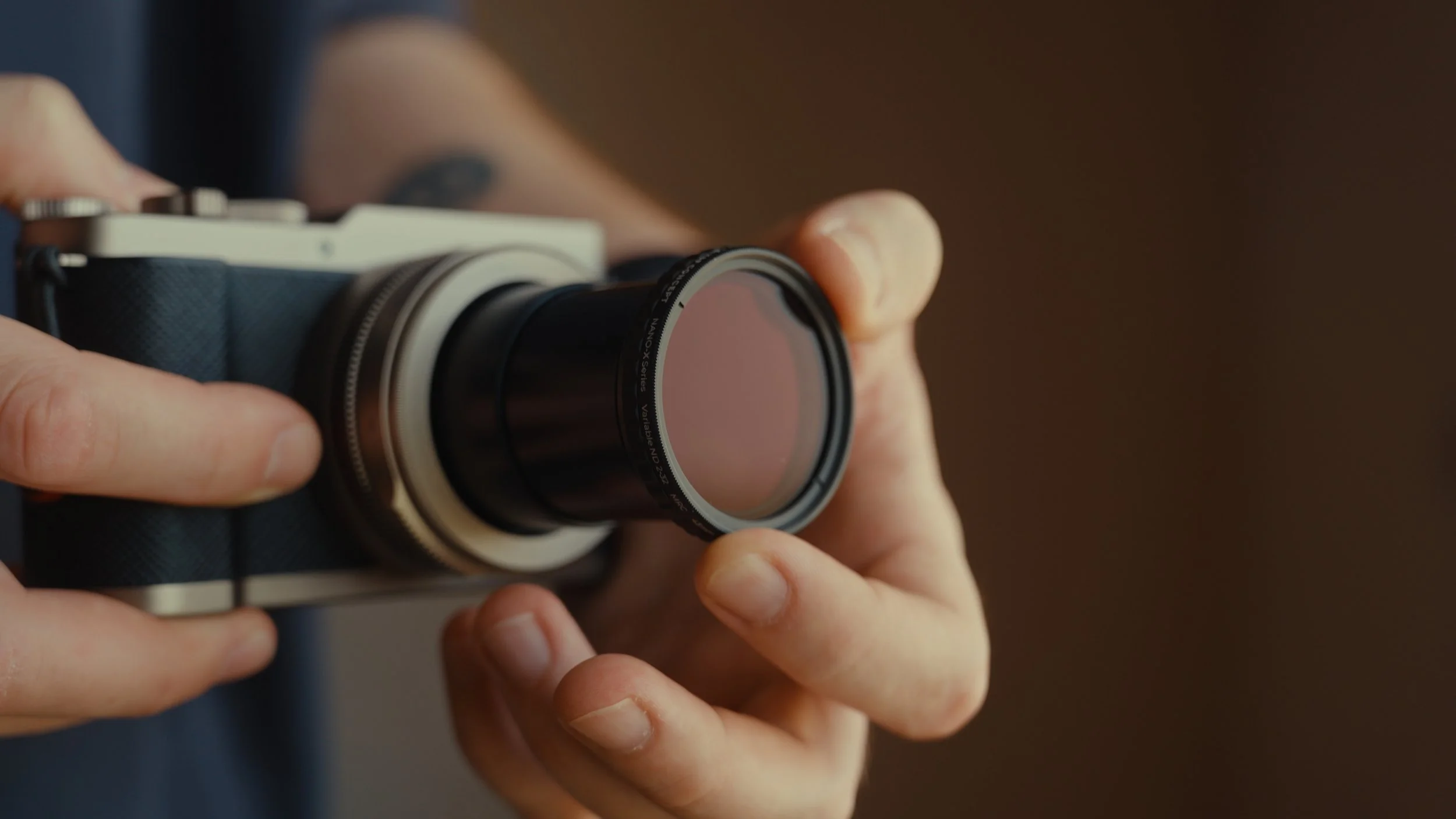
Sadly, even with that very funky lens cap that kind of means you can't put filters on the camera, there is no internal ND. So I've actually opted to leave that very cool lens cap back in the UK, but I'm just using the kind of normal lens cap situation. This means that I can attach a 43mm variable ND for shooting video and stuff.
The Lumix RAW File Underexposure Issue Fix
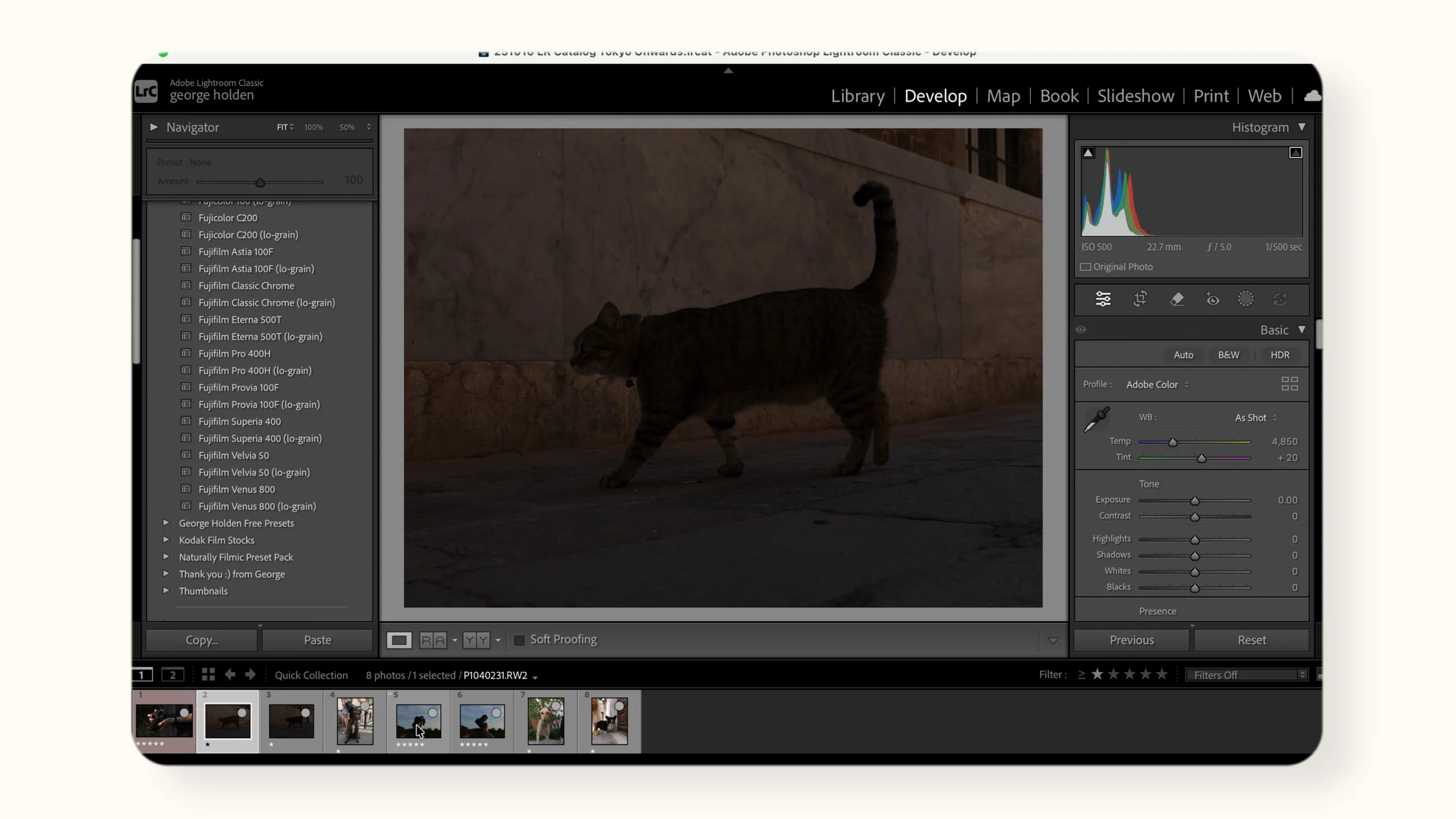
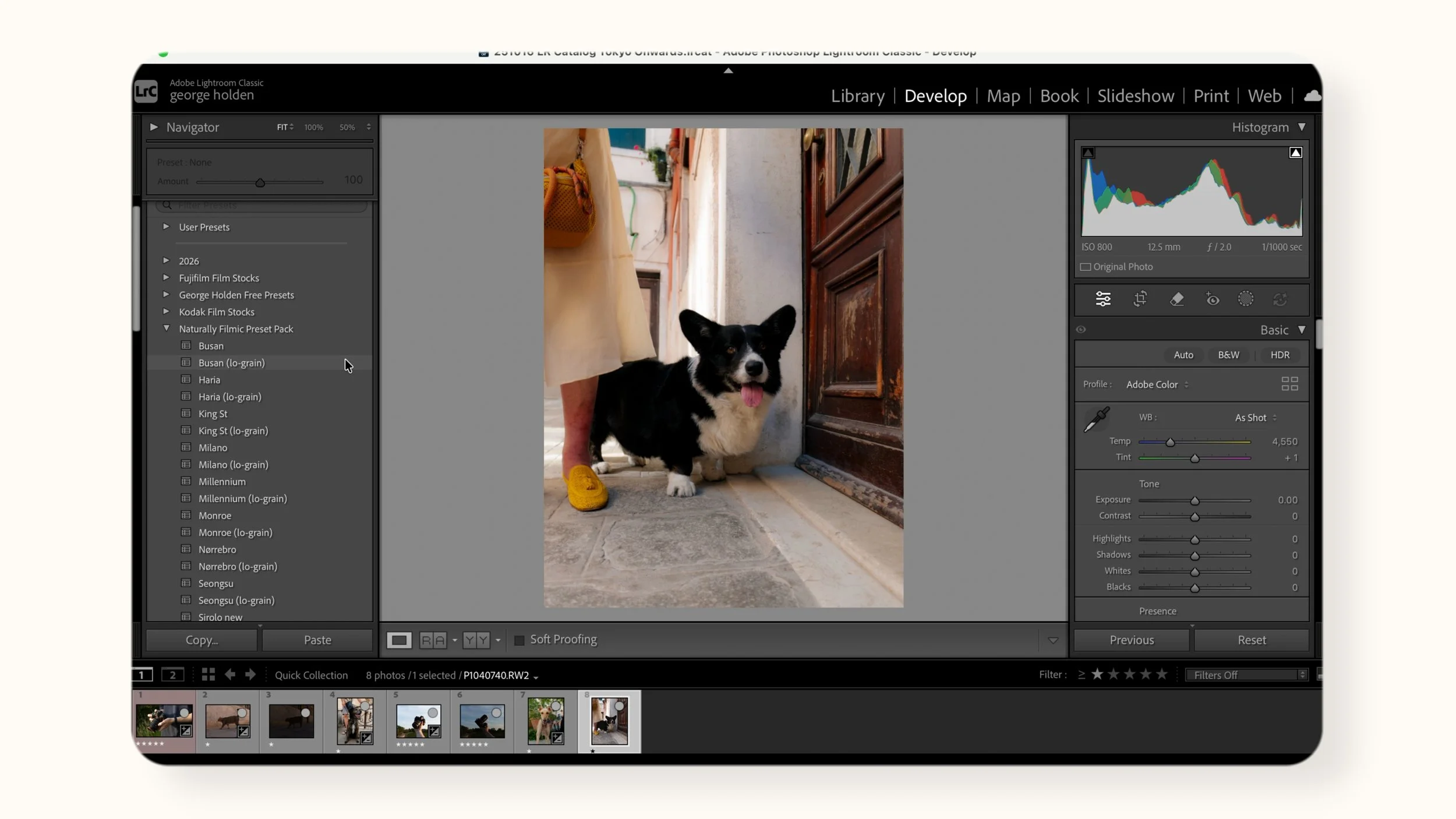
One issue I've always had with newer Lumix cameras is the RAW files. For ages, I didn't understand why sometimes my perfectly metered RAW files would come out looking two stops underexposed in Adobe Lightroom. I was always very confused, I kind of just thought this is how Lumix does RAWs now.
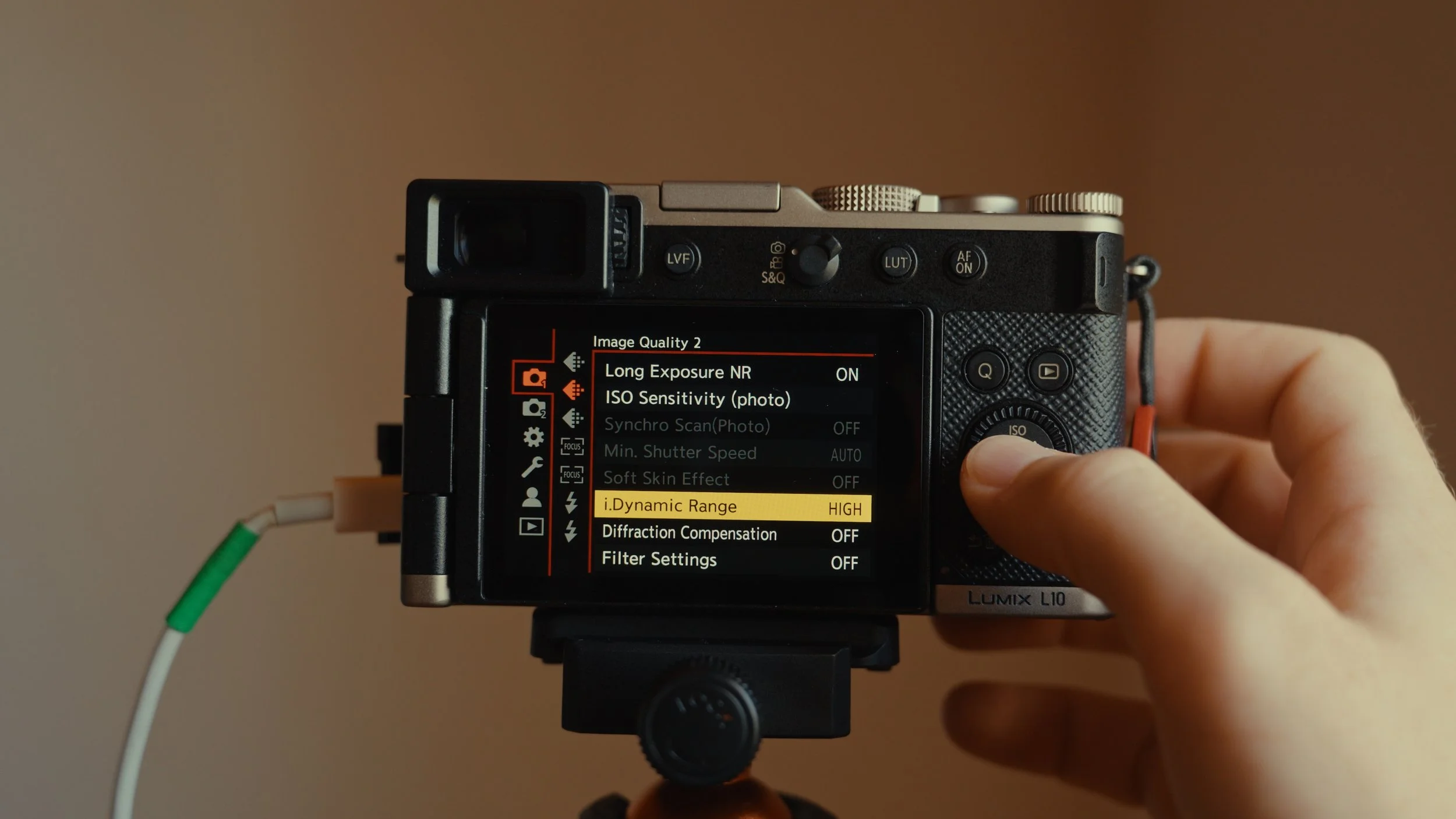
I then found out there's actually a reason this was happening, and it feels like a weird reason that no one really talks about. If you also have this problem or want to avoid this problem happening when you pick up a newer Lumix camera, then pay attention, because this can often be resolved by going into your menu and finding this iDynamic Range setting, which is most likely out of the box set to high.
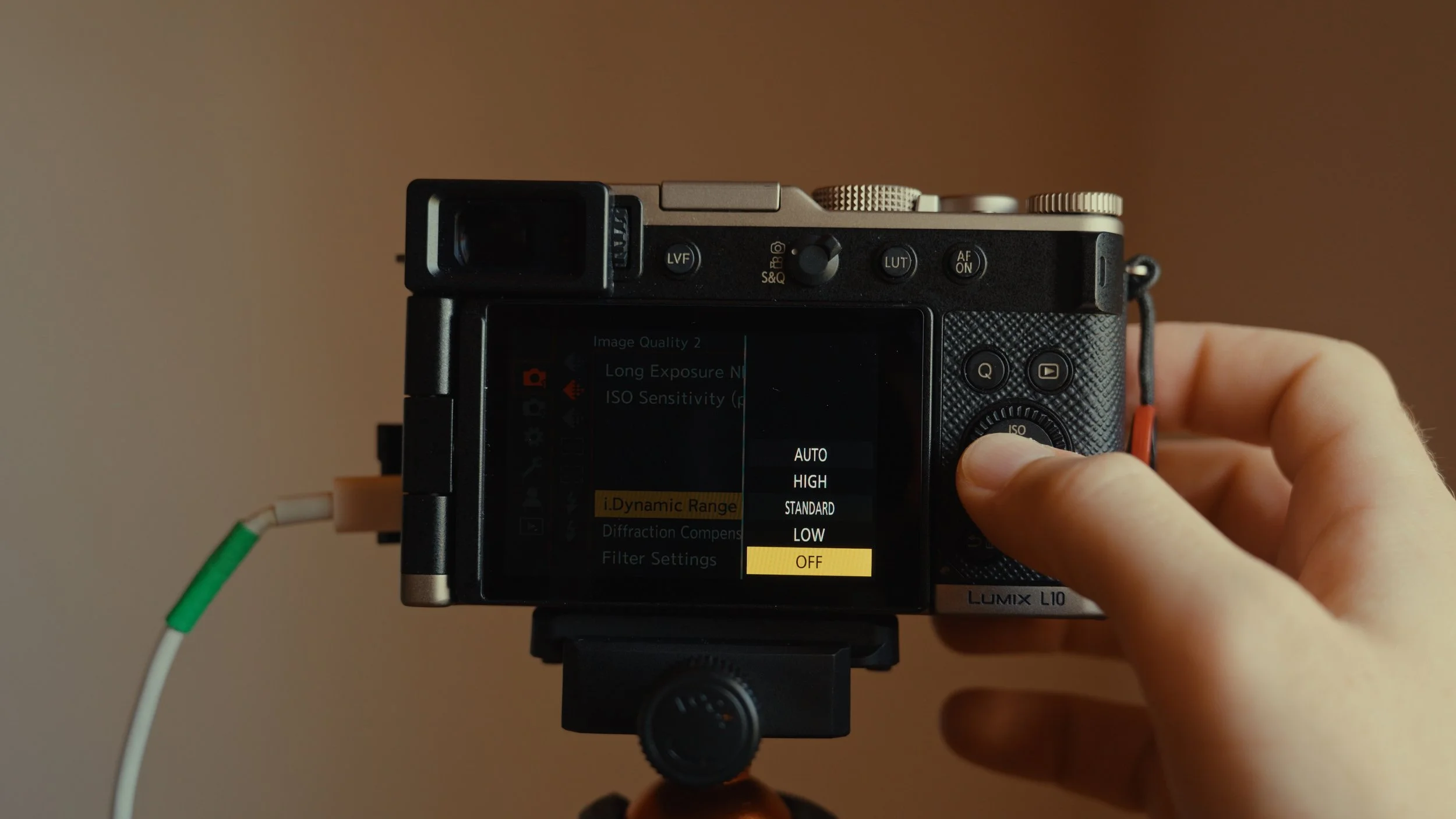
You can then change this setting to off and then you should see your photos now appearing in Lightroom the same as they were in camera.
The Real-Time LUT Catch
If this is grayed out in the menu as it was for me, the most likely reason is that you're using a real-time LUT. Now, I don't know if this is for every LUT profile or if there's certain characteristics in a LUT profile that disable changing this, but this is what I found: if you are using real-time LUT, you don't seem to be able to change this iDynamic Range feature.
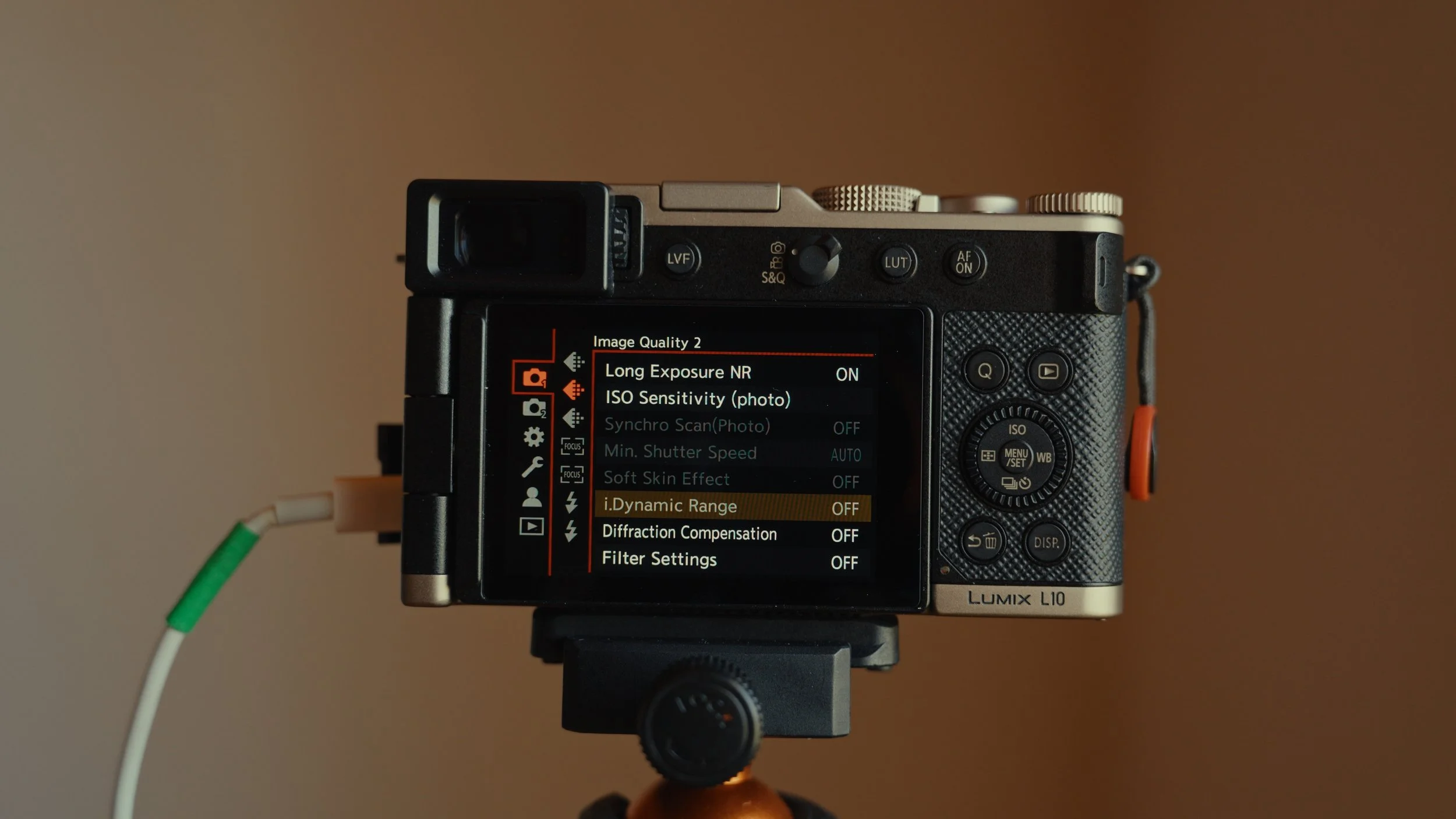
So switch away from real-time LUT to like an in-camera profile like the Lumix Classic Gold that I've been using for example, and then you should be able to go over to iDynamic Range and turn this to off. This will then give you your RAW files looking perfectly exposed as they were in camera in Adobe Lightroom.
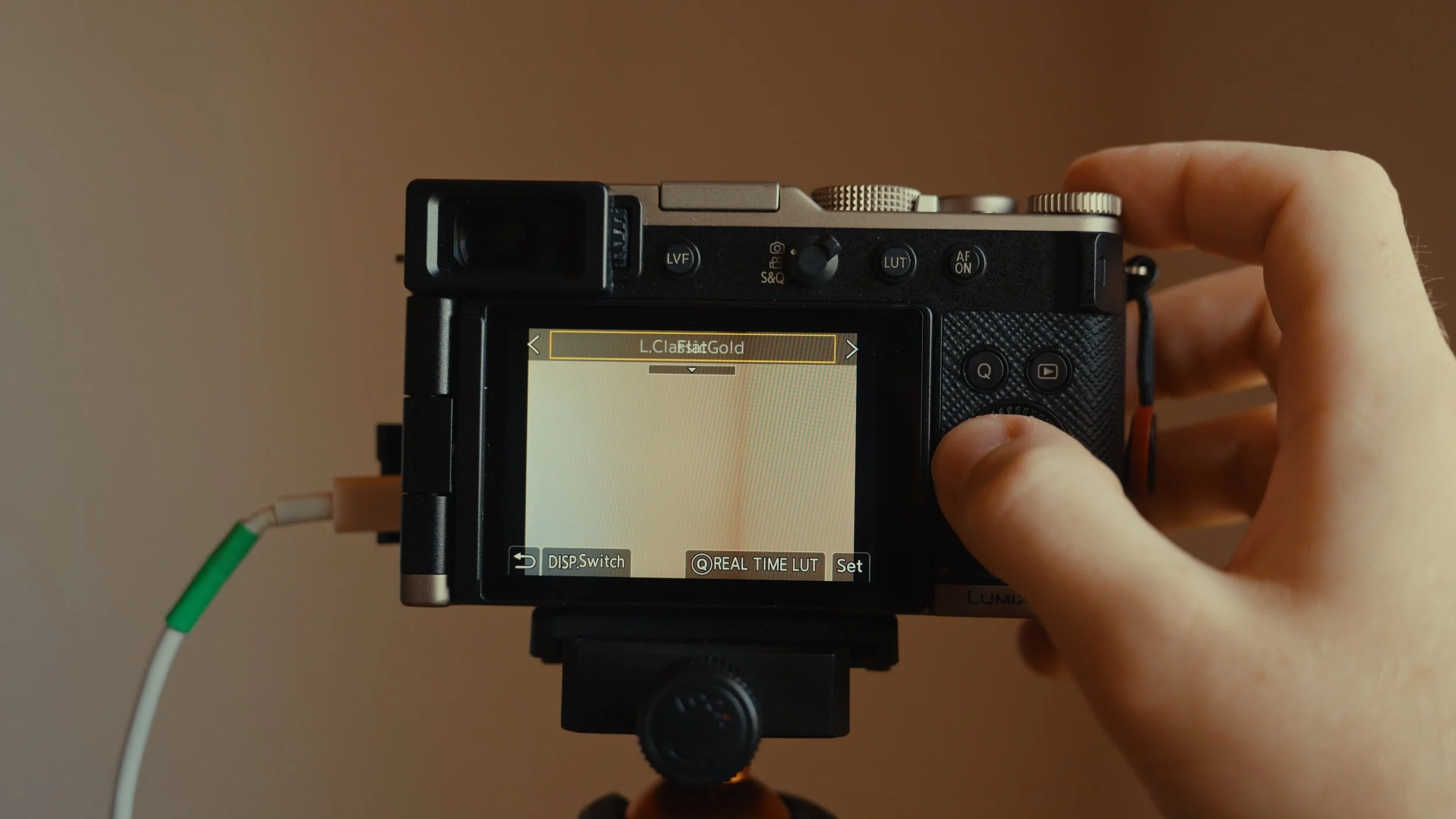
Of course, if you've already shot the photo with these settings turned on, those photos are just a bit underexposed and you'll have to just raise the shadows and stuff. But after changing this, everything should go back to normal and you'll be getting images that you expect out of camera and not weird dark images like I was.
Help support this ad-free blog by checking out my store.
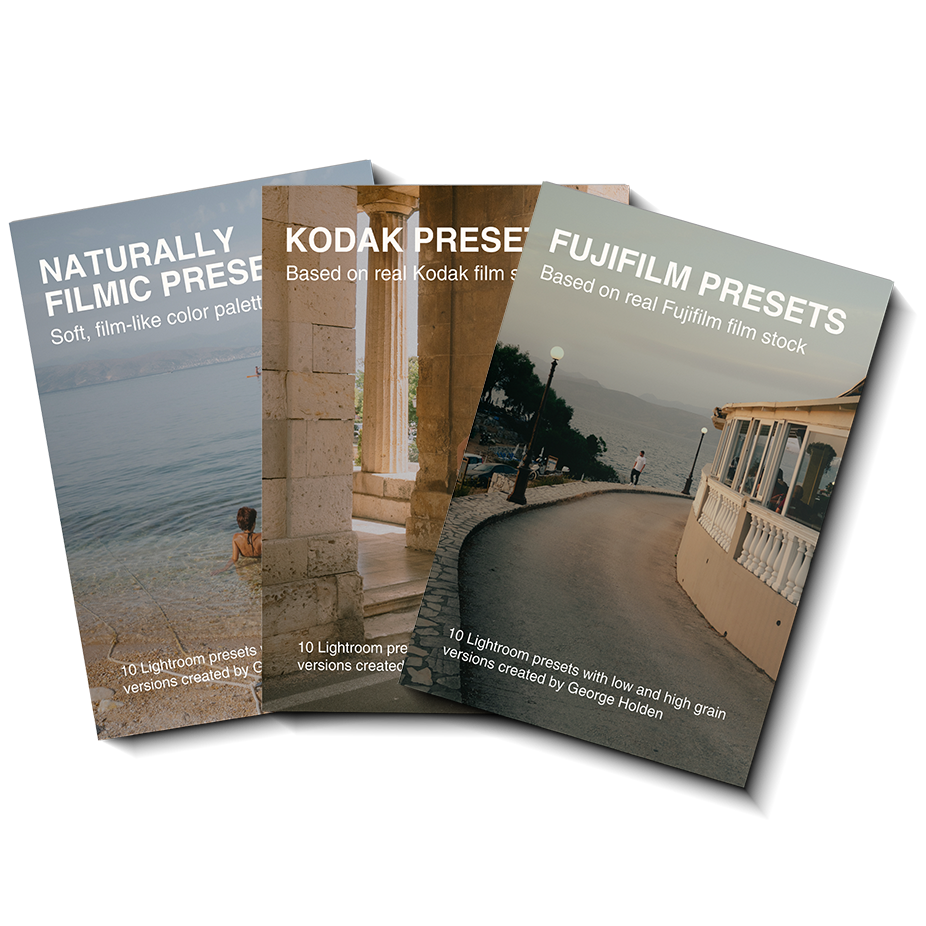
What style can I expect from these presets?
These presets are based on specific Kodak Film Stocks, Fujifilm Film Stocks and various film stocks I have shot in various lighting conditions which you can see in the preview images for each pack.
How many presets are in this pack?
30 - with low and high grain versions for each preset.
Each preset has both .xmp and .dng file types.
Which software supports these presets?
You can choose from these Adobe softwares:
Lightroom Classic
Lightroom CC Desktop
Lightroom CC Mobile
Photoshop (adobe camera raw)